Connectors, MCP and agents
Add Your Own MCP Server Safely
Learn what a custom connector or local server is, then add one with a safety checklist and a test account.
- Beginner
- 4 lessons
- 29 minutes
What you will be able to do
- Tell a custom remote connector from a local server
- Use a safety checklist before you add anything
- Know what to do if something looks wrong
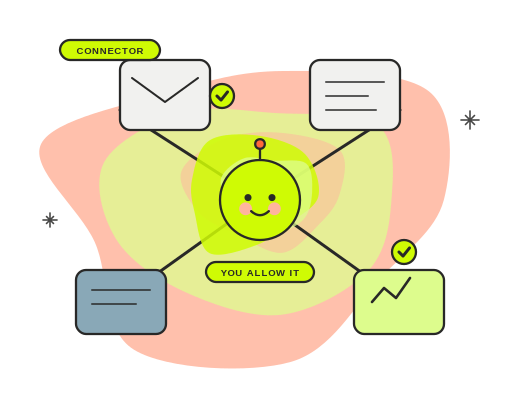
- Read the problem and what you will do.
- Follow the short steps in your AI tool.
- Check the result before you use it.
What is inside
- 1
Custom connector or local server?
7 min · Beginner
The problem. You find an MCP server online and want to use it. You are not sure if it is a custom connector or a local server.
You will. Tell the two kinds apart in plain words.
Before: "a server is a server". After: you know a remote custom connector is on the internet and a local server runs on your own computer.
- 2
The safety checklist
7 min · Beginner
The problem. Custom connectors are not verified by Anthropic. A bad server could hide instructions meant to trick the AI.
You will. Build and use a checklist before adding any custom server.
Before: you add a server because it looks useful. After: you check who made it, what it can do and how little access it needs.
- 3
Your first run with a test account
9 min · Beginner
The problem. You decided the server looks safe. Adding it with your real account would be risky if anything goes wrong.
You will. Add one custom connector with a test account and run one read-only task.
Before: a server link and some nerves. After: a connector added with a test account, tried on one harmless task and reviewed.
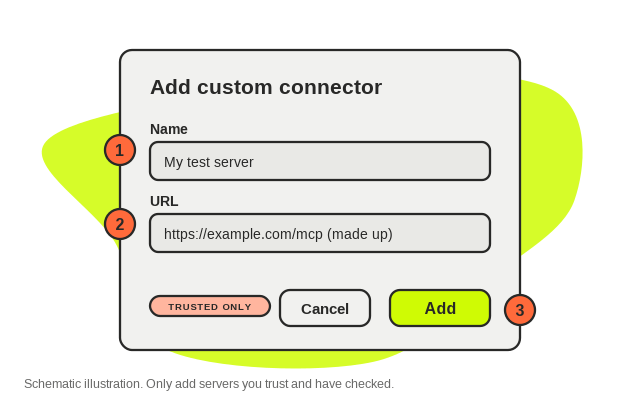
Add a custom connector: a name and an address you trust. This is a schematic drawing, not a screenshot, so your screen may look different. - 4
If something looks wrong
6 min · Beginner
The problem. Sometimes a connector acts oddly. It may ask for more access, give strange answers, or try something you did not ask for.
You will. Know the signs and the exact steps to stop, remove and report.
Before: you freeze, or keep going. After: you stop, switch it off, remove it and tell the right people.