Learn AI where you actually work.
Short, step-by-step lessons for the tools you already use: email, spreadsheets, documents and slides. No jargon, and nothing to install.
Lesson one takes 5 minutes.
- 122short courses
- 532one-task lessons
- 14Practice Labs
- 60lessons with no account
Take a breath
So many AI tools. You only need a few.
New AI tools appear every week, and it is easy to feel behind. You are not. Nobody uses them all, and you do not have to. We are here to help you grow into a more capable version of yourself: someone who makes things, hands the boring work to a tool, and still makes the decisions.
Be a little bit super-human: not by knowing everything, but by knowing a few things well.
 1
Start with one
Pick a single tool and one small task. A short lesson, a result you can check, and you are already moving.
 2
Make things
Write the email, build the sheet, design the page, even make an app by describing it. Real work, made faster.
 3
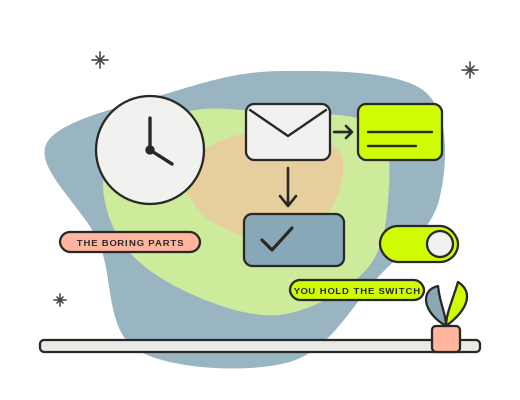
Automate the boring parts
Let tools handle the repeat jobs, with limits you set and a way to switch them off. You stay in charge.
Super-human is not about knowing every tool. It is about knowing a few well, using them safely, and checking the result. Find out where you stand, free
Lessons for the tools you already use
 ChatGPT
 Claude
 Gemini
 Copilot
 Grok
 Claude Code
 Cursor
 Codex
 Claude Cowork
 OpenClaw
 Hermes Agent
 Replit
 Lovable
 Bolt
 v0
 Excel
 Word
 Google Docs
 Google Sheets
 Gmail
 Outlook
 Slides
 Notion
 Airtable
 Linear
 Loop
 Apollo
 Telegram
 Vercel
 Supabase
 GitHub
 Google Drive
Product names belong to their owners. Laner Labs is independent and is not affiliated with them.
Pick your path
Choose where to start.
Every path is a short list of courses in the right order. Begin anywhere. Nothing locks you in.
Quick start: your first week
- Your First AI Chat in 10 Minutes
- Ask Better Questions: 5 Easy Habits
- Check AI Answers: Three Habits
AI for Complete Beginners
- Start Here: Your First Hour with AI
- Write Prompts That Work
- Use ChatGPT to Write Good Emails
AI tools, step by step
- Which AI Tool Should I Use?
- Get Started with ChatGPT
- Get Started with Claude
Workflow and productivity tools
- Notion for Beginners, with AI
- Microsoft Loop for Beginners
- Linear for Beginners
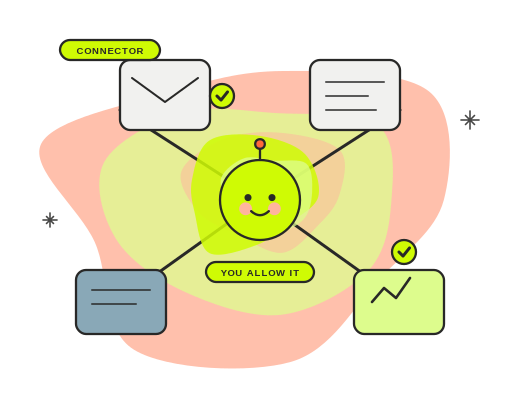
Connectors, MCP and agents
- What Is MCP? A Plain-English Guide
- Add Connectors to Claude, Step by Step
- Add Your Own MCP Server Safely
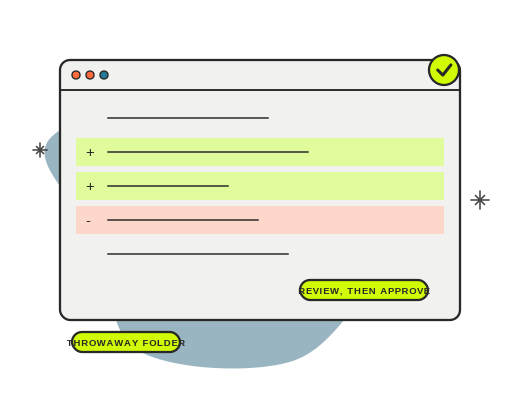
Build with AI
- Set Up Your Coding Workspace: GitHub, Claude Code, Supabase and Vercel
- Your First Project with Claude Code
- Your First Project with Cursor
Vibe coding: build apps by describing them
- Vibe Coding Basics: Plan, Prompt, Test, Ship
- Build Your First App with Replit
- Build Your First App with Lovable
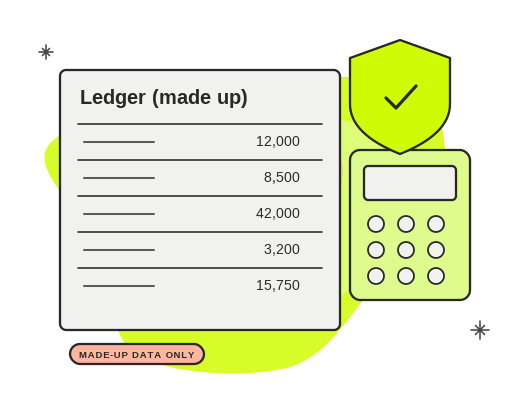
AI for finance, marketing and sales
- AI for Bookkeeping and Accounts, Safely
- AI for Banking and Finance Professionals: Safe Use
- AI for Marketing Teams
Work change and next steps
- A Calm Plan for Change
- Find Your Strengths with AI
- Write a Clear CV with AI
what this is
AI is not hard to learn. It is hard to know where to start. So we start with one small task, in the tools you already use.
- 01
You have never used AI
You will open a tool, ask a question and learn to check the answer. Nothing to install.
Quick start courses - 02
You are busy at work
Every lesson fixes one real job: an email, a formula, a slide. Then it stops.
Pathways for your role - 03
Your work is changing
A calm, practical path to find your strengths, write a CV and prepare for interviews.
The career path
how a lesson works
Ask. Check. Then use it.
Three habits run through every lesson, so you always know what to do next.
- 1
Ask clearly
Copy a prompt, add your own details and send it. Every lesson gives you words that work.
- 2
Check the answer
Read it, check names and numbers, and ask the AI what it is unsure about.
- 3
Then use it
Change what needs changing and keep your own voice. You stay in charge, and you press send.
Each lesson is one small task, a prompt to copy, a practice file with made-up data and a short check at the end. See how we teach
Inside your learning kit
Everything you need, in one place.
Laner Labs is not a pile of videos. It is a small, orderly kit: one-task lessons, guided labs, prompts you can copy, a place to see your progress, and a certificate for what you finish.
Beyond the lessons
Everything else on Laner Labs.
 CoursesOne task at a time02Guided projectsPractice LabsEvery tiny step03Learn in orderPathwaysPick by your job04Plain-language notesBlogGuides and advice05Copy and adaptPromptsWords that work06See it doneExamplesReal tasks, made-up data07Keep the proof
 CertificatesFor courses you finish08Your learning graph
 My progressStreaks and sharing
at work
Run your work tools with AI, and use it safely.
Workflow tools, connectors, building and your own job role, each in small steps. And one rule that matters more than the rest.
- 01
Workflow tools
Set up the tools your team already talks about, with AI helping at each step.
NotionAirtableLinearMicrosoft LoopApollo
See the workflow path - 02
Connectors and MCP
Let an AI tool reach your files, calendar and apps, with narrow permissions you chose and a way to switch it off.
What is MCP?Claude connectorsYour own MCP server
See the connectors path - 03
Vibe coding
Describe an app in plain words and get a working one with Replit, Lovable, Bolt or v0, then ship it safely.
See the vibe coding path - 04
Build with AI
For people who want to make things: a first project with Claude Code or Cursor, a live page, a first database.
Claude CodeCursorVercelSupabase
See the builders path - 05
Your job role
Courses in the right order for accountants, finance teams, HR, admin, sales, marketing, business owners, project managers, students and managers.
BookkeepingBanking and financeMarketingSales
See every pathway - 06
The one rule
Never paste real customer or account data into an AI tool. Bank, account, card, ID and personal details do not belong in ChatGPT, Claude or any AI tool unless your employer has approved that exact tool. It can break workplace rules and data-protection law. Every course for finance, banking, sales and marketing teaches you to practise with made-up or anonymised examples.
See the finance and sales path
certificates and plans
Finish a course. Keep the proof.
You get a certificate for each free course you finish. Pro gives you one for every course, with every lesson and every lab unlocked. Your progress and certificates stay yours.
Free
$0forever
- All twelve Quick start courses and all eight Work change courses, with no account
- The whole Foundations course
- A certificate for each free course you finish
- The five free Practice Labs
Pro
$22per month
- Every lesson in every course and every Practice Lab
- Workbooks, practice files and the full examples library
- A certificate for every course you finish
Teams
$32per seat per month, minimum 5 seats
- Everything in Pro for each person
- A team dashboard with real progress
Paid plans are not open yet, so nothing is charged today. Prices are in US dollars and may change. We will tell you first. Compare the plans
Do your own research
Ask your favorite AI about us.
Do not just take our word for it. Pick an assistant you already use. It opens with the question below, and you can read what it says and decide for yourself. AI can be wrong, so check anything that matters on our own pages.
The questionWhat is Laner Labs Learning (lanerlabs.canmero.com)? Explain what it teaches, who it is for, what is free and what is paid, and what a beginner would do first. Say clearly if you are not sure about anything.
- ChatGPTOpens with the question filled in(opens in a new tab)
- ClaudeOpens with the question filled in(opens in a new tab)
- CopilotOpens with the question filled in(opens in a new tab)
- GeminiOpens Gemini. Paste the question(opens in a new tab)
- GrokOpens with the question filled in(opens in a new tab)
 PerplexityOpens with the question filled in(opens in a new tab)
Logos and names belong to their owners and are shown only so you can find each tool. Laner Labs is independent and is not affiliated with or endorsed by them. Each tool has its own rules and privacy terms. Please do not put personal or confidential information in the question.
honest answers
Questions people ask first.
Do I need to pay to start?
No. The twelve Quick start courses and the eight Work change courses open without an account. A free account adds the Foundations course and the first lesson of every other course.
I have never used AI. Is this for me?
Yes. The lessons assume you use email, documents or spreadsheets. They do not assume you can code or know any AI words.
Which AI tool do I need?
A free plan of ChatGPT, Claude, Gemini or Copilot is usually enough. When a step needs a paid plan, the lesson says so. Features and limits change, so each lesson points to the tool’s own help page.
Can AI get things wrong?
Yes, and it can sound very sure when it does. Every lesson ends with a short check, and the first course teaches you three habits for spotting a shaky answer.
What should I never paste into an AI tool?
Real customer, patient, bank, account, card, ID or password details, and anything confidential, unless your employer has approved that exact tool. We practise with made-up examples instead.
Will this get me a job?
We cannot promise that, and we do not. The career courses give practical help: finding your strengths, writing an honest CV and practising interviews.
Is anything charged today?
No. Payments are not connected yet. When they are, the price and billing terms will be shown clearly before you pay.
our aim
Practical AI skills for 10 million people.
That is the aim we are working towards, not a number we have reached. It starts with one person finishing one small task. Maybe that is you, today.