Build with AI (for developers)
Getting Started with Google Antigravity
Meet Google Antigravity and set it up. Run one tiny project, then learn how to review and control what its agent does.
- Beginner
- 4 lessons
- 34 minutes
What you will be able to do
- Say what Antigravity is and choose a way to start
- Run one tiny project in a throwaway folder
- Review changes and choose safe permission modes
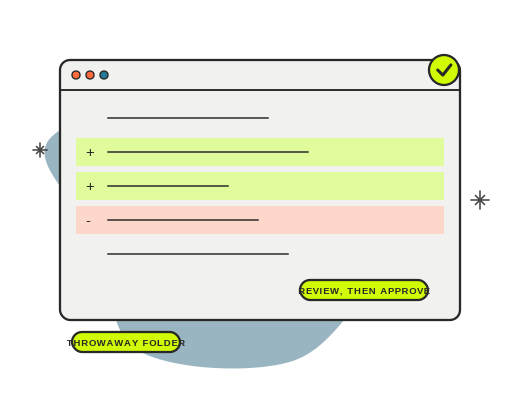
- Read the problem and what you will do.
- Follow the short steps in your AI tool.
- Check the result before you use it.
What is inside
- 1
What it is and how to start
9 min · Beginner
The problem. Antigravity has several parts, and the names can be confusing. You need to pick one way to start.
You will. Read the official page, pick the app or the command line tool and sign in.
Before: four product names and no plan. After: one chosen starting point and a signed-in account.
- 2
Run one tiny project
9 min · Beginner
The problem. A big project hides what the agent does. A tiny one in a throwaway folder is easy to read and easy to delete.
You will. Make a practice folder and ask the agent for one small file.
Before: an empty folder. After: one small script that you can read line by line.
- 3
Review and approve changes
8 min · Beginner
The problem. The agent edits files and writes plans. If you skim past them, you lose track of your own project.
You will. Approve one change, check it with the diff viewer and read one artifact.
Before: changes you never looked at. After: you read each diff and each plan before moving on.
- 4
Choose a safe mode
8 min · Beginner
The problem. Some modes run commands without asking. That is handy later, but risky when you are learning.
You will. Find the modes, keep one that asks you first and learn the safe habits.
Before: you do not know what runs by itself. After: you know your mode and what it allows.